
Control a Windows PC from Your Phone: an Early Beta
Written by the people who make Peering, November 2026. Read the next box before anything else.
What the Windows host is
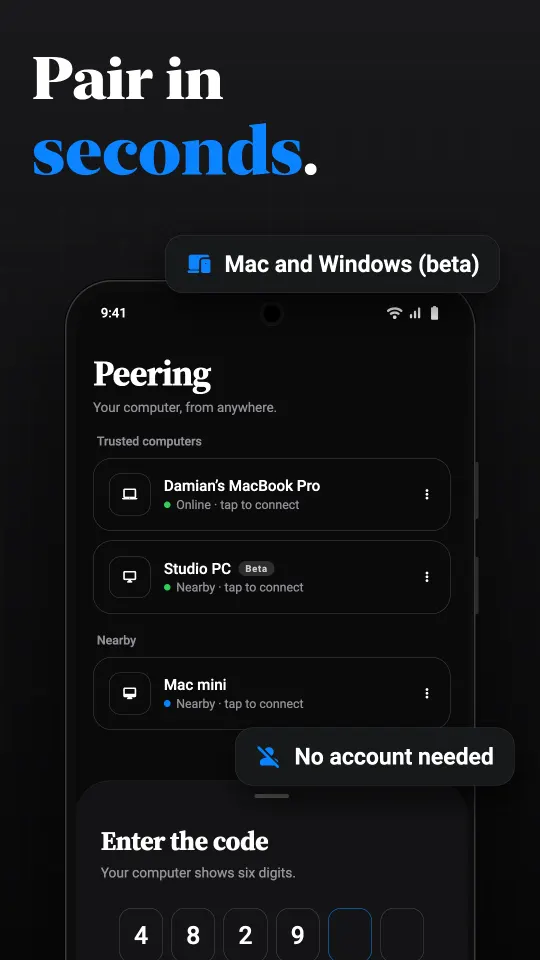
The same Peering phone apps that control a Mac can pair with a Windows PC running Peering Host. It sits in the tray, shows a six-digit pairing code in its window, accepts paired phones on your network and through the relay, and keeps each device's key protected by Windows. The phone shows the PC in its list marked Beta.
What is built
- The picture: one display, or one window, as hardware-encoded H.264 at 15, 30 or 60 frames per second, with the pointer drawn in.
- Input: mouse, keyboard and text, including trackpad mode and multi-finger gestures from the phone.
- Sound from the PC, and a shared clipboard.
- Terminals: shells on the PC in the phone app.
- Claude Code chat, with approvals and finished turns sent to the phone.
- Files: browse the PC's folders and download files, folders as a zip.
- Reach: the same encrypted pairing, LAN discovery and relay as the Mac.
What is not built
- Application sources, thumbnails and the mosaic of windows.
- Virtual desktops, virtual displays and a privacy curtain.
- Keeping the PC awake and wake schedules.
- Reviewing an agent's changes, commit and push from the phone.
- Code signing. Windows SmartScreen warns the first time the host runs, because the publisher is not yet verified.
Who should try it now
Someone comfortable with a beta: who can run an unsigned installer, read a log file when something does not appear, and send us what they see. The installer is per user, needs no administrator rights and can start the host at sign-in. The source is in the repository if you would rather build it yourself.
The phone side
Use the Android app (coming soon to Google Play) or the iPhone app. Android hides the controls a Windows host does not support. The iPhone app currently shows some Mac-only controls that the Windows host ignores.
Pricing
The same as for a Mac: free on your own network, 30 minutes a day of relay time from other networks, and Pro or Lifetime for unlimited. The plan belongs to the phone, so it covers every computer you pair.
Questions
Can I control a Windows PC from my phone with Peering?
In an early beta. The Windows host is built and tested in code but has not yet run on a real PC. Ask for early access at [email protected].
Which phones can control the Windows host?
The Peering apps for Android, coming soon to Google Play, and for iPhone and iPad.
Why does Windows warn me when I run it?
The beta installer is not code signed yet, so SmartScreen does not recognise the publisher. Choose More info, then Run anyway, if you trust the source.
Does the Windows host need administrator rights?
No. The installer installs for the current user only.
Can it run Claude Code from my phone?
Yes, the Windows host has Claude Code chat with approvals on the phone, but not yet change review, commit or push.